
Mechanical Keyboards
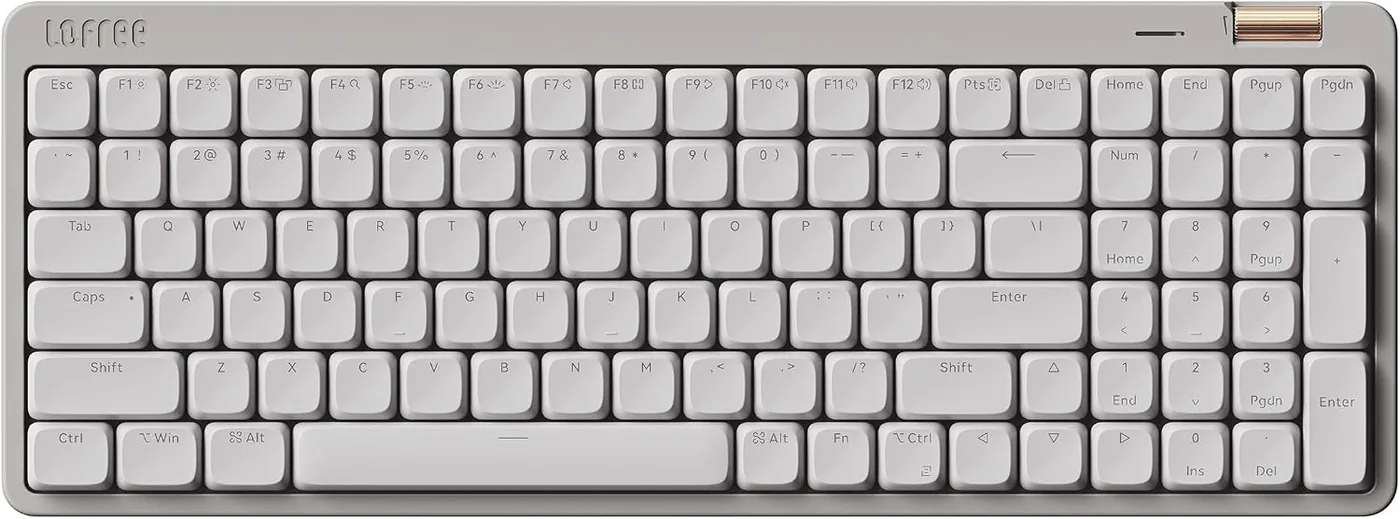
Lofree Flow Lite 100
A full-size, low-profile mechanical keyboard with 100 keys and Marble, Flamingo, and Off-White options.
$98.99As of Sep 28, 2026 13:37 UTC
Explore →Lofree collection
Explore Lofree mechanical keyboards built for different desk layouts, typing preferences, and visual styles. The current range includes compact 75% boards, 84-key layouts, and 100-key options with a number pad. Low-profile models sit alongside standard-profile designs, while available switch and color combinations vary by model. Start with the space on your desk, then compare connection methods, switch feel, and the exact option shown on each product page. Every listed Amazon option has its own identifier and purchase link, so you can check the configuration that suits your setup before you buy.
Compare the models
Open a product family to see every exact option and its Amazon destination.
A full-size, low-profile mechanical keyboard with 100 keys and Marble, Flamingo, and Off-White options.
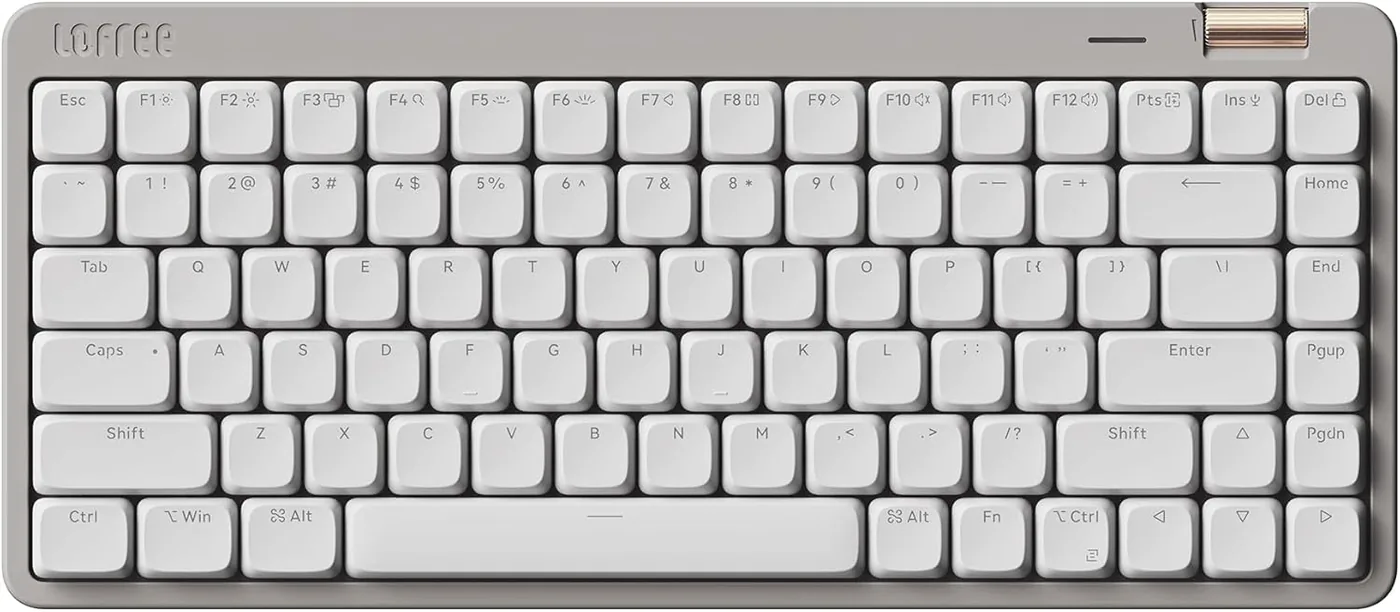
A compact, low-profile 84-key keyboard for a lighter desk footprint, with three available finishes.
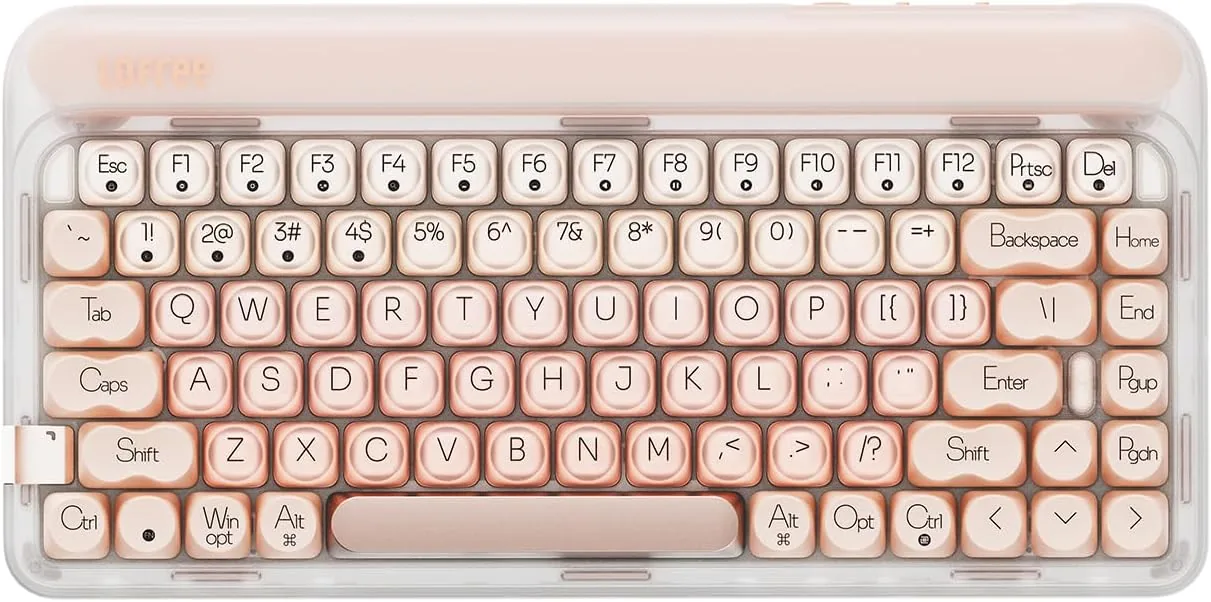
A 75% mechanical keyboard in pink with hot-swappable switches and three connection modes.
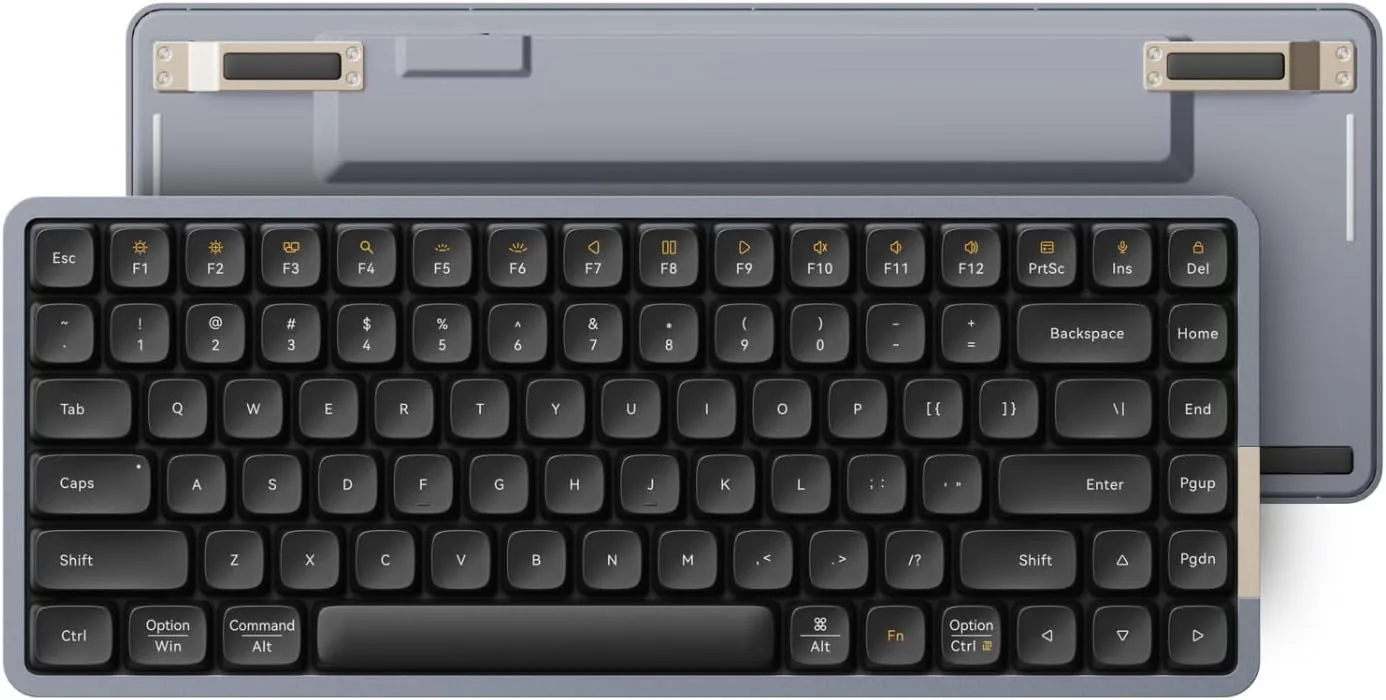
The original Flow in an 84-key low-profile layout, offered with Ghost linear or Phantom tactile switches.
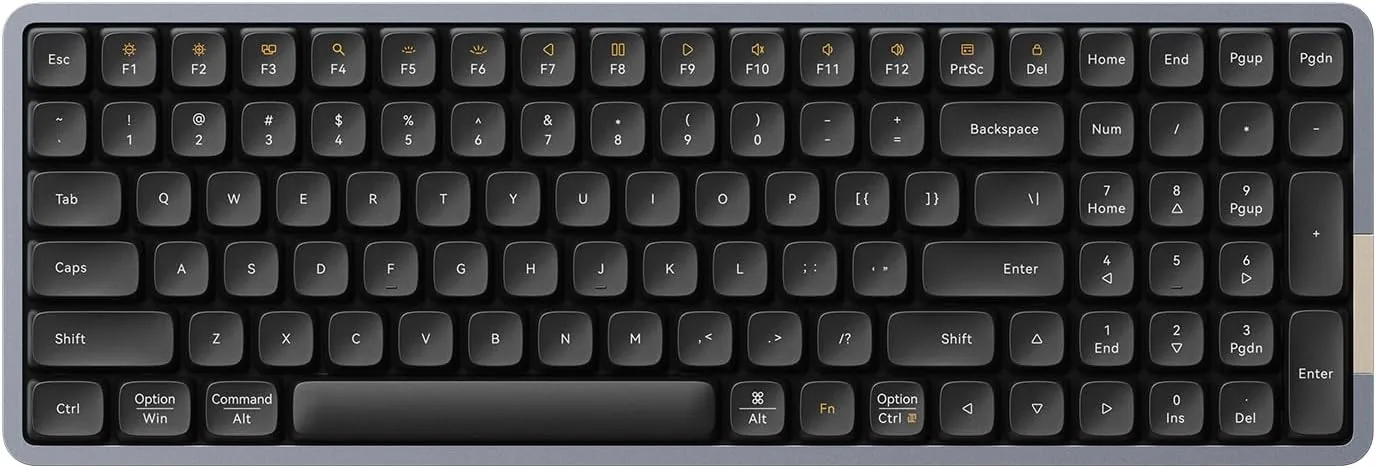
The Flow typing feel in a 100-key layout with a number pad and two switch choices.
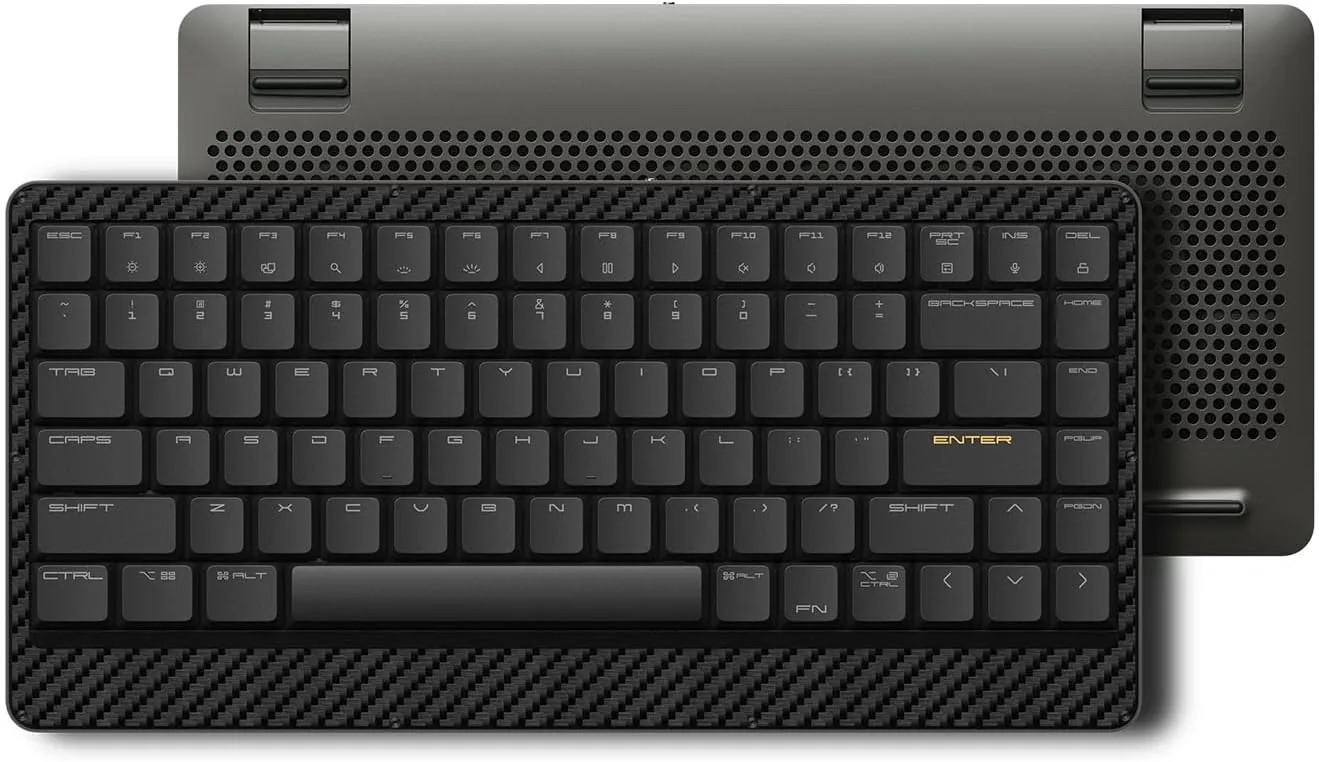
A slim 75% keyboard that pairs a carbon-fiber top case with a magnesium-alloy bottom case.
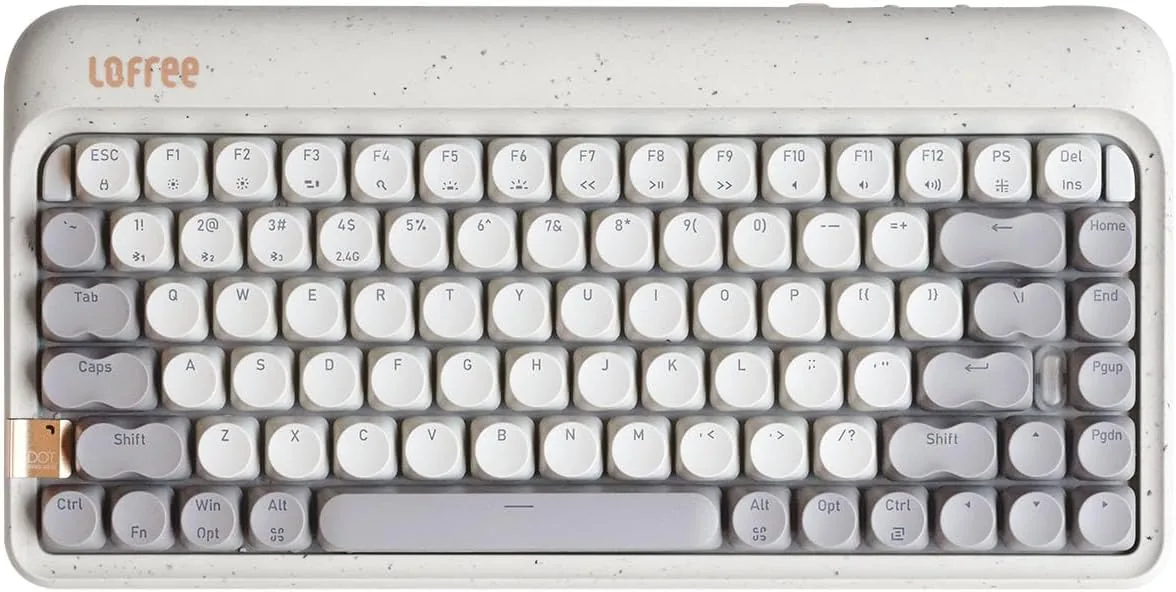
A Terrazzo Grey 75% keyboard with hot-swappable switches and multiple connection modes.
Questions answered
A mechanical keyboard uses an individual switch mechanism for each key. Lofree offers several mechanical layouts and switch choices, so compare the exact model and option for its feel, size, and connection methods.
Unplug or turn off the keyboard first. Use a soft brush or dry compressed air around the keys and follow the model's care guidance. Remove keycaps or switches only when the exact keyboard supports that procedure.
Choose the layout first: 75% and 84-key designs save desk space, while 100-key models retain a number pad. Then compare the listed switch type, connection modes, color, and exact Amazon option.
The main difference is the key mechanism. Mechanical boards use individual switches, while many conventional keyboards use a membrane or scissor mechanism. The typing feel still depends on the specific switch and keyboard construction.
Only remove a switch if the exact keyboard is described as hot-swappable and its instructions explain the method. Disconnect the board and use the correct switch puller. A non-hot-swappable switch may require a different repair process.