
Wireless Mice
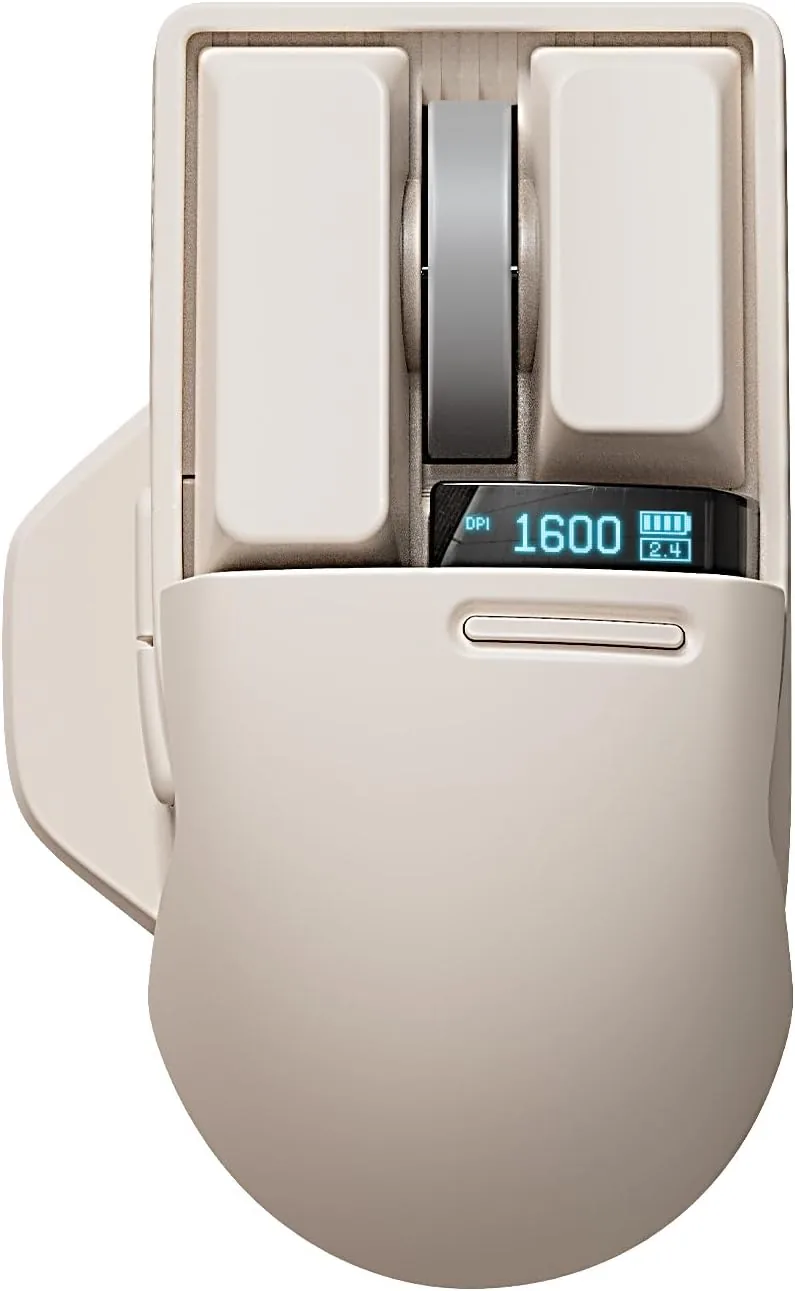
Lofree Touch PBT
A wireless mouse with Bluetooth, USB-receiver, and wired connection options and an OLED screen.
$64.99As of Sep 28, 2026 13:37 UTC
Explore →Lofree collection
Lofree wireless mice pair distinctive desk styling with practical connection choices. The current range includes the Wavy Chips dual-mode mouse and the Touch PBT mouse, with different colors and features across the options. Compare how each model connects, the supported device types, and any model-specific controls before selecting a finish. A mouse that fits your hand and work setup matters more than a color alone, so use each product page to review the available options and their identifiers. Prices and availability can differ between Amazon options, even when the visible color looks similar.
Compare the models
Open a product family to see every exact option and its Amazon destination.
A wireless mouse with Bluetooth, USB-receiver, and wired connection options and an OLED screen.
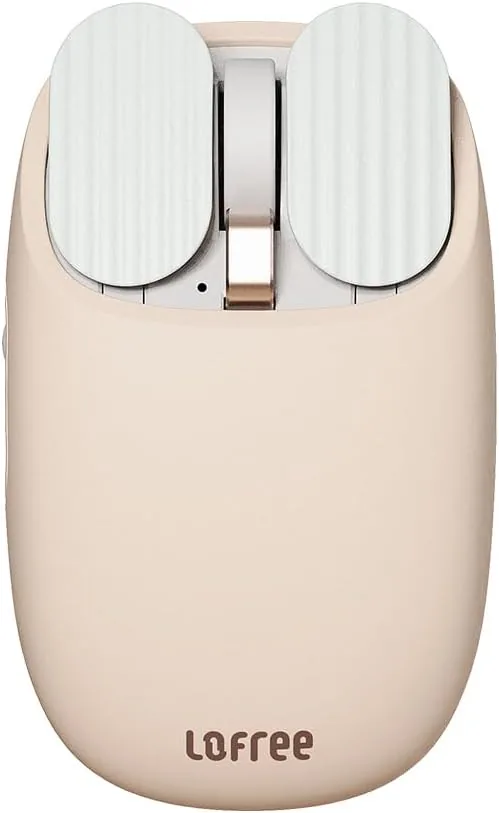
A dual-mode wireless mouse with five adjustable DPI levels and playful finish choices.
Questions answered
Check the connection modes listed for the exact model. A Bluetooth connection pairs through the device settings, while a receiver-based connection requires the matching USB receiver. Follow the mouse's setup instructions for pairing mode.
First check its power or charge, selected connection mode, and whether the computer recognizes Bluetooth or the receiver. Re-pairing can help, but use the instructions for the exact Lofree model before resetting anything.
Use Bluetooth only if the selected mouse model supports it. Enable Bluetooth on the computer or tablet, put the mouse into its pairing mode, and select it from the device list.
Lag can come from low power, radio interference, a crowded USB port area, or the connected device. Check the charge, move the receiver closer when applicable, and compare the model's supported connection modes.
A wireless mouse sends movement and click input to a paired device through a supported radio connection, commonly Bluetooth or a USB receiver. The exact connection choices and controls differ between Lofree models.